
Storage cleaner
Review screenshots, duplicate photos, videos, and big files that can make your phone feel full.
 NexaClean
NexaClean brings practical device care into one focused app. Review storage, clean up media, manage apps and notifications, and understand your phone at a glance.
For Android users worldwide · English by default · Additional in-app languages available

NexaClean helps you find the parts of your device that need attention, then gives you a focused place to review them.
Review screenshots, duplicate photos, videos, and big files that can make your phone feel full.
Check RAM status, battery information, and a device scan from one calm, easy-to-read dashboard.
See installed apps in one place and start managing the apps you no longer need.
Use network traffic and network test tools, while keeping notification management close at hand.
Explore the NexaClean dashboard and focused tools for storage, media, apps, notifications, memory, battery, and network checks.
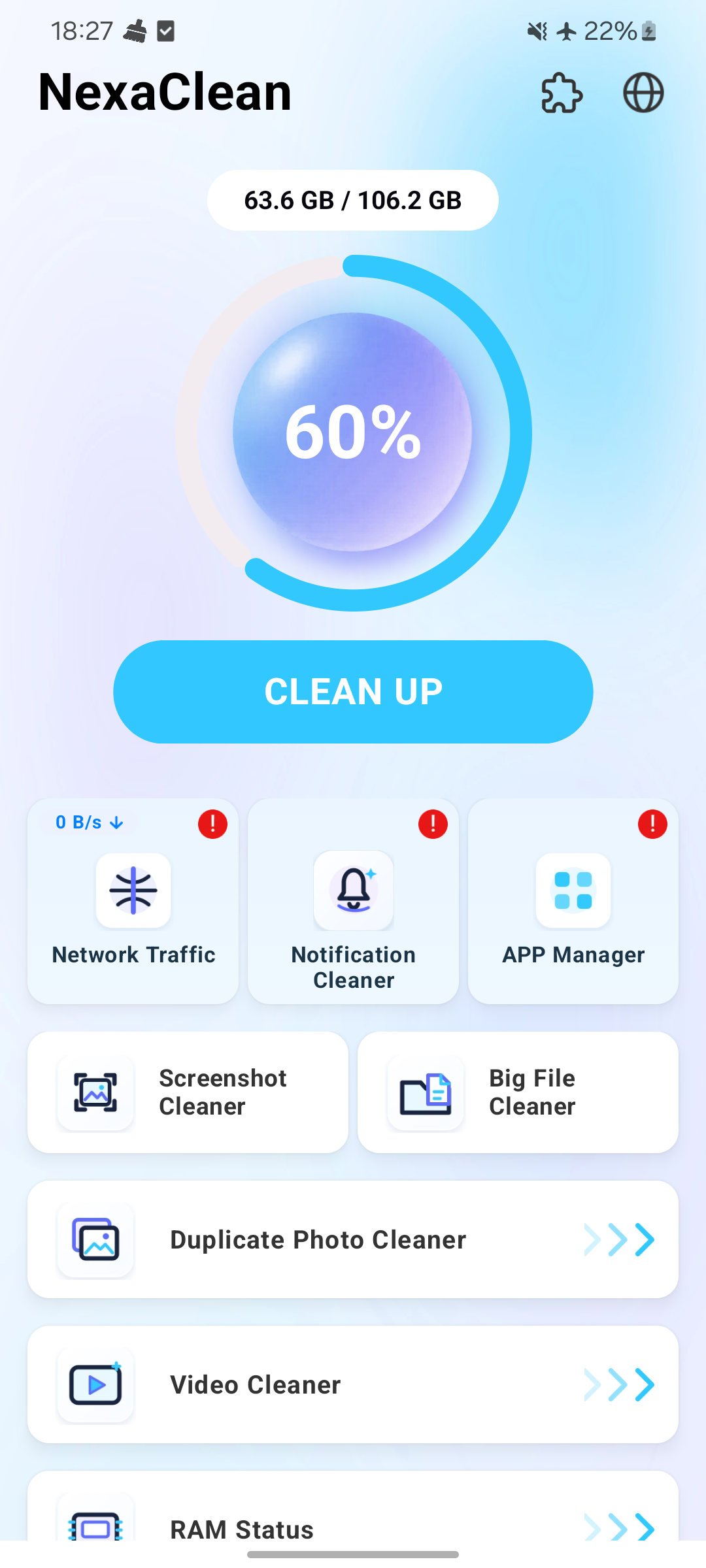
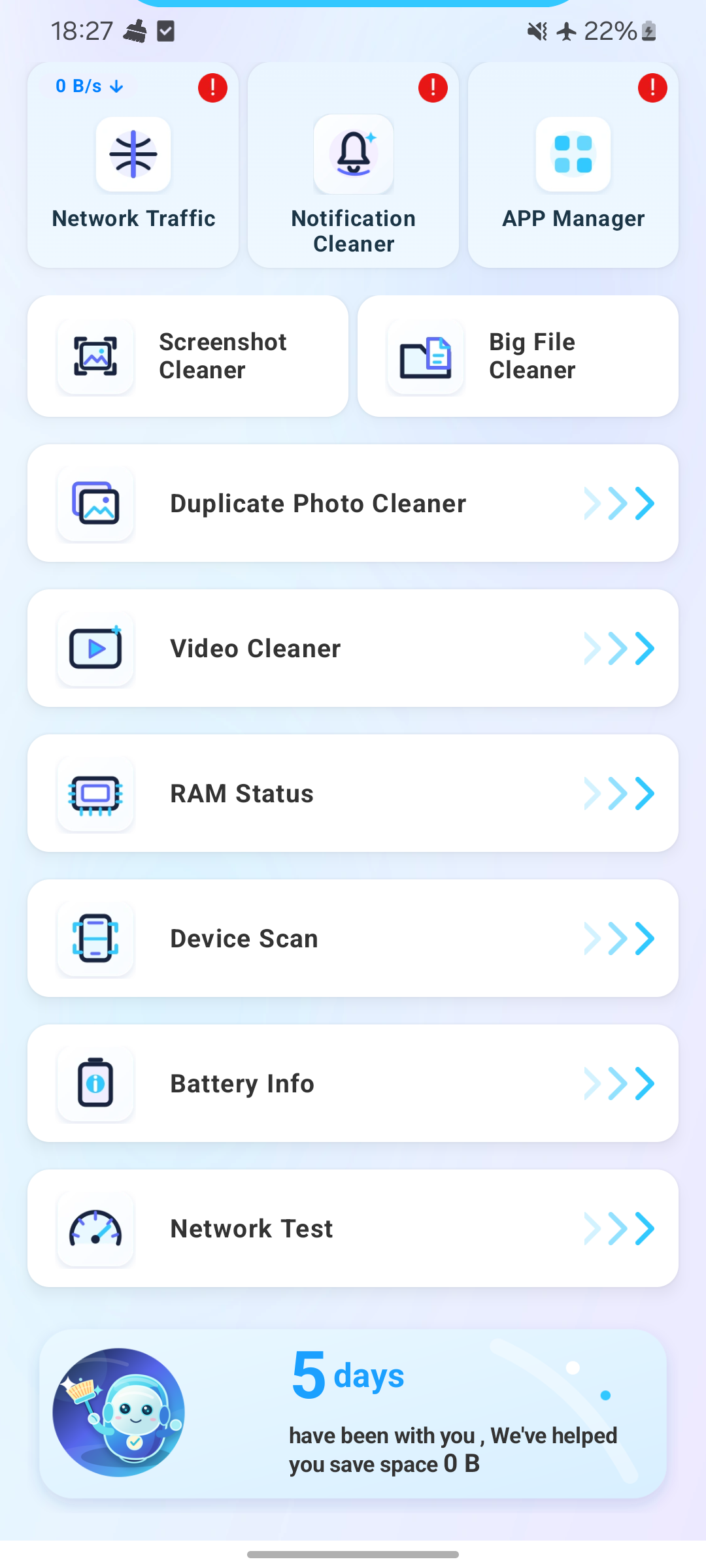
Different kinds of clutter need different kinds of attention. NexaClean keeps each task clear and recognizable.
Review screenshots and duplicate photos that are easy to forget and difficult to find in a busy gallery.
Locate large videos and other big files when you need to understand where your storage is going.
Open RAM status, battery info, device scan, and network test tools when you want a quick read on your phone.
Use the tool that matches the problem in front of you and keep your next action easy to understand.
Start from the main dashboard and see the device care tools in one place.
Pick storage, media, app, notification, memory, battery, or network information.
Use the focused screen to understand what is taking attention or space on your Android phone.
Quick answers about the Android cleaner and the tools it brings together.
NexaClean is an Android device care and storage cleaner app. It brings storage, media, app, notification, memory, battery, and network tools together in one place.
NexaClean includes tools for screenshots, duplicate photos, videos, large files, installed apps, notifications, network traffic, RAM status, device scanning, battery information, and network testing.
NexaClean is available for Android through its Google Play listing.
English is the default language. The app also includes additional language options for users in many regions.
Review how NexaClean handles device information, network information, usage data, installed-app information, and third-party services in the full privacy policy.
Read the full privacy policy

